After moving to the United States, a smartphone quickly becomes one of the main tools of everyday life. Apps let you find housing and work, open a bank account, order groceries, call a car, plan a route, book a doctor's appointment and stay in touch with the people close to you.
You do not have to install dozens of programmes at once, though. In the first weeks after moving, a few basic apps are enough to handle the most important practical tasks.
Navigation and transport
Navigation apps are among the first worth installing. Distances in the United States are often much greater than many new immigrants are used to, and public transport varies a great deal from city to city.
Google Maps helps you plan routes by car, on foot, on public transport and by bicycle. It is also a convenient way to look for shops, restaurants, pharmacies, medical facilities and other organisations.
Apple Maps suits iPhone users and also lets you plan routes, look for organisations and get information about the roads.
If you live in a city with good public transport, it is worth installing the local transit agency's app as well.
Ride apps
Many people use Uber and Lyft to get around the city. They let you order a car without having to look for a taxi in the street. Payment usually goes through the app, and you see an estimated price before the trip.
For new residents of the United States these services are especially useful in the first days, when they do not yet have a car of their own.
Banking apps
Once you have opened an American bank account, be sure to install your bank's official app. Through it you can:
- check your balance;
- pay bills;
- transfer money;
- keep track of transactions;
- deposit cheques through the mobile app, if the bank offers that feature;
- receive notifications about transactions.
If you have opened accounts at several financial institutions, it is best to install each official app and turn on notifications about money moving in and out.
Money transfer apps
If you need to send money to relatives in another country or receive money from abroad, specialist services are worth considering. Wise, for example, handles international transfers and multi-currency operations. What exactly is available, and the fees, depend on where you are sending money and the payment method you choose. Before sending a large sum, always check the final fee and the exchange rate.
Job search apps
After moving, many people start looking for work almost immediately. It helps to install the apps of the popular job search services, such as Indeed, LinkedIn and Glassdoor. Through them you can search for vacancies by city and profession, build a CV, send applications and get alerts about new openings. It is particularly useful to turn on alerts for the roles you want, so that new vacancies come to you automatically.
Housing search apps
If you have to look for permanent housing after arriving, Zillow, Apartments.com, Realtor.com and other services will come in handy.
You can usually specify:
- the city;
- the neighbourhood;
- the maximum rent;
- the number of rooms;
- other requirements for the property.
It helps to save the options you like and turn on alerts about new listings. Never send money for a home on the strength of an online advert alone, though. Before paying you have to make sure the property really exists and that the person has the right to let it.
Grocery and delivery apps
Grocery delivery is widespread in the United States, so the relevant apps can make the first weeks much easier. Depending on the city you can use the apps of the large stores, such as Walmart, Target, Instacart and others.
Through them you can order groceries and essentials for delivery, or place an order for collection. This is particularly useful if you have not bought a car yet or live a long way from the nearest shop.
Restaurant and food delivery apps
DoorDash, Uber Eats and Grubhub are often used to order prepared food. You can choose a restaurant, place an order and track the delivery right there in the app. Bear in mind, though, that the final total can differ considerably from the price of the dish itself because of taxes, service charges, delivery and tips. So always look at the final cost before confirming an order.
Pharmacies
After moving it helps to install the app of a large pharmacy chain, especially if you buy medicines or health products regularly. The CVS Pharmacy and Walgreens apps, for example, let you search for products, check information about prescriptions, order certain medicines and manage pharmacy services. The features depend on the particular service and on your insurance plan.
Medical apps
If your health insurance has its own app, it is worth installing that too. Through the insurance company's app you can get access to information about your policy, find doctors and medical facilities in the network, check the status of certain requests and look at details connected with your plan. Many US health systems also have their own apps for booking appointments and communicating with doctors.
Messaging apps
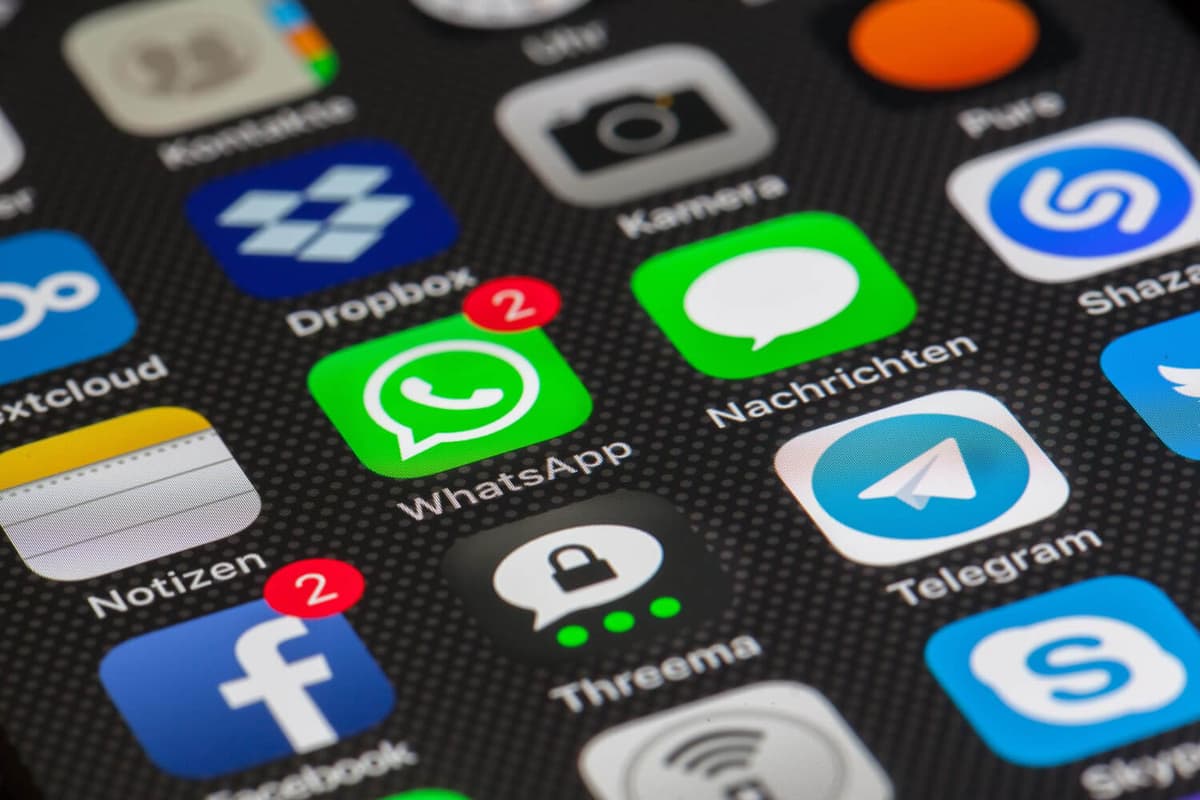
The messengers you already know are a convenient way of keeping in touch with relatives and friends. WhatsApp, Telegram, Messenger and other apps let you stay in contact whatever country you live in. That is particularly useful while you are settling in, when a new American number is already connected but old contacts and groups still matter.
Translators
If English is not yet your main language of communication, be sure to install a translation app. Google Translate translates text, speech and images. The camera feature is especially useful in shops and pharmacies and when dealing with instructions.
It also helps to download language packs in advance, if the app can work without a constant internet connection.
Apps for learning English
After moving, English becomes part of everyday life, so language learning apps can be a useful addition. They let you work on vocabulary, pronunciation and basic grammar whenever it suits you.
But they are best used as an addition to real practice — talking to people, working, watching American media and handling everyday tasks in English.
Discount and shopping apps
There are a great many shop loyalty schemes in the United States. Supermarket and retail chain apps often give you discounts, digital coupons and special offers.
If you buy your groceries regularly at one shop, installing its app can help cut your costs noticeably. Loyalty schemes at large supermarkets and shops near your home are particularly worth using.
Weather apps
The weather in the United States varies greatly by region. One state may be in a heatwave while another has snow. So a weather forecast app will be useful almost every day. It is especially important to watch for warnings about severe thunderstorms, hurricanes, snowstorms, heat and other dangerous weather.
The standard weather app on your phone is fine for day-to-day use, and for emergency warnings you can use the official services for your region.
Apps for renting and paying for parking
If you live in a big city and use a car, look at parking apps. In many parts of the United States parking spaces are paid for by phone. Different apps may be used depending on the city.
They let you pay for parking, extend the time and get a notification when the period you paid for is ending.
Apps for government services
Depending on your status and your state, the apps and online services of government agencies may be useful. Through the official digital services, for example, you can get information about taxes, driving documents, health insurance and other government services.
For important documents and payments, always use only the official websites and apps of government organisations.
Budgeting apps
After moving it is especially important to keep control of your spending. In the first months money can go far faster than expected. Budgeting apps help you split your spending into categories: rent, groceries, transport, insurance, phone and entertainment.
Even a simple spending spreadsheet, or an app where you enter purchases by hand, will help you see what your life in the United States really costs.
Which apps to install first
You do not have to download everything at once. To begin with, a basic set is enough:
Navigation: Google Maps or Apple Maps. Transport: Uber or Lyft. Bank: your bank's official app. Work: Indeed or LinkedIn. Housing: Zillow or Apartments.com. Shopping: the app of the nearest supermarket. Food: DoorDash or another popular delivery service. Translation: Google Translate. Messaging: WhatsApp or Telegram. Health: the app of your insurance company and your health system.
Once you have settled on a city, a job, a home and a bank, you can extend the list.
Do not forget about security
After moving it is important to be especially careful with apps where you enter personal and financial data. Download programmes from the official app stores and check the developer's name. For banks, government services and insurance companies it is better to reach the app through the organisation's official website. Do not give strangers your passwords, the confirmation codes from your text messages or your bank card details. It is also advisable to turn on two-factor authentication for your email, your banking accounts and other important services.
The right apps can make the first weeks after moving to the United States considerably easier. They help you find your way around the city, look for work and housing, use transport, buy groceries, manage your finances and get medical care.
Start with a basic set and then add the apps that suit your way of life and your particular city. That way you will not clutter your phone with services you do not need, while still having everything you need to hand.
End of the article.
All guides →