After moving to the United States, home internet is one of the first household services you have to arrange. It is not only for watching films or talking to family. You will need the internet for work, for study, for finding somewhere to live and finding a job, for banking, for paperwork and for a great many everyday matters.
There are a great many internet providers in the United States, but the options available depend on the particular address. So a package that suits a friend in the next neighbourhood perfectly may not be available at your building.
Which kinds of home internet are available
Depending on where you live in the United States, you may come across several main connection technologies.
Fibre internet (fiber) is considered one of the fastest and most stable options. It is particularly convenient for remote work, video conferences, online games and homes where a large number of devices are connected at once.
Cable internet (cable) is widespread in cities and suburbs. It also gives high speeds and for most families it is a good option for work, watching video and ordinary internet use.
DSL works over the telephone infrastructure. In some areas the technology is still around, although in speed and capability it often falls behind more modern connections.
5G/4G Home Internet uses an operator's mobile network. It does not always require a cable to be run into the flat, so it can be convenient if you are living somewhere temporarily or renting.
Satellite internet may be one of the few options for homes in remote areas where there is no cable or fibre infrastructure.
Check what is available at the address
This is one of the most important steps in choosing internet in the United States. Do not pick a provider on the strength of advertising or a friend's recommendation alone. First establish the exact address of your future home and check it on the websites of several companies. It is usually enough to enter the street, the house number and the ZIP code, after which the system will show the available packages.
If you are renting a flat, it is also worth asking the landlord or the management company which providers already operate in the building. Sometimes only one company, or a few particular options, are available in a block of flats.
Check as well whether internet is included in the rent. In some residential complexes certain communications services may be supplied along with the other utilities.
How to choose the speed
The fastest package is not always the best value. First of all, work out how many people will be using the internet and for what. One person using the internet for websites, email, social media and video calls does not usually need the top speed.
If several people live in the home and stream video, work from home, study and use several smartphones, computers and televisions at the same time, a more capable package is worth considering.
Pay separate attention to download and upload speeds if you work remotely. For video conferences and sending large files, a stable connection can matter more than an impressive maximum speed in an advertisement.
What affects the price
The price in the advertisement does not always match the final monthly figure. Some providers offer an attractive price only to new customers and only for a certain period. Once the promotion ends, the package can become considerably more expensive.
Before you sign up, be sure to establish:
- the basic price of the package;
- how long the promotion lasts;
- the price once the promotion ends;
- the charge for equipment;
- the cost of installation;
- taxes and additional fees;
- the connection charge;
- the terms for disconnecting;
- any penalties or commitments under the contract.
Working this way will let you calculate the real cost in advance and avoid an unexpected jump in the bill a few months later.
Do you need your own router
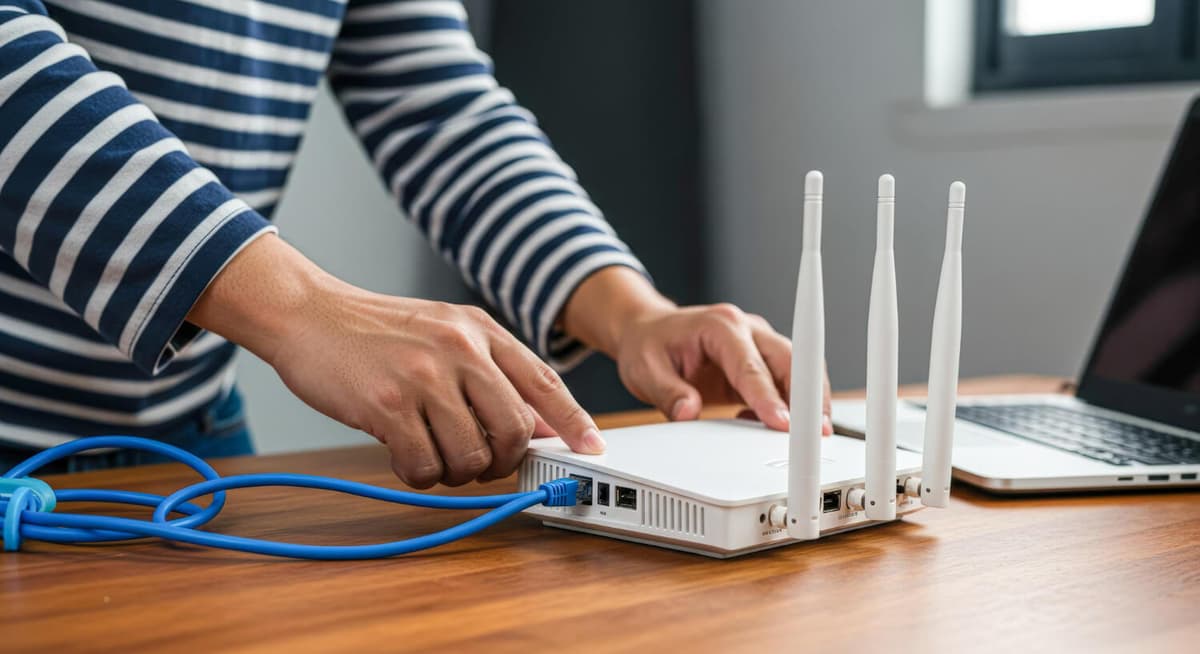
To use home Wi-Fi you will need a router or other compatible equipment. Some providers offer their own devices for rent. In that case you may be paying a small extra amount every month.
The other option is to buy a router of your own. That is sometimes better value over the long term, especially if you plan to use the connection for several years. But before buying your own equipment, be sure to check that it is compatible with the provider you have chosen. Not every router suits every connection technology.
For a large flat or a house you might also consider a mesh system. It consists of several devices and helps to give stable Wi-Fi in rooms where the signal from an ordinary router can be weak.
Getting connected in a rented flat
If you have only just arrived in the United States and are renting, do not rush into a contract with the first provider you find. First ask the landlord or property management which companies are available in your building. Some buildings already have a particular operator's equipment installed, and connecting a different provider may be impossible or may require extra work.
Ask too whether internet is included in the monthly rent. Sometimes a landlord provides shared internet for the whole building or offers residents a separate package. If the accommodation is temporary, it is best to choose an option without a long-term contract, so that you do not pay a penalty for disconnecting early when you move.
How the installation goes
If the flat already has a line and the necessary equipment, connection can be quite quick. In some cases the provider offers self-installation: the equipment is delivered to your home and you connect it by following the instructions.
If an engineer's visit is needed, the technician will check the line, connect the equipment and set up the internet. Before the visit, make sure the engineer will be able to get into the flat and, if necessary, reach the place where the cable or communications equipment is. In blocks of flats this sometimes has to be arranged with the management company as well.
Can you connect the internet yourself
Yes, some providers offer self-installation. That is particularly handy if you need the internet as soon as possible. The equipment arrives by post or can be collected from a shop, after which you connect the cable, the router and the power yourself.
The device is then activated through the provider's website or app. Self-installation can save time and sometimes spares you having to wait for a free slot for an engineer's visit.
Home internet over 5G
5G Home Internet can be a convenient answer for anyone who does not want to deal with installing cables. The principle is simple enough: a special device connects to the mobile network and creates Wi-Fi inside the home. This option is particularly interesting for renters, for people who move often, and for those whose address has no good cable connection.
The quality of the connection does depend on coverage and on the load on the mobile network. So before signing up it is worth checking how well the operator in question performs in your particular area.
Internet for remote work
If you work from home, the internet stops being a mere household service and becomes part of the job. Here it matters to consider the stability of the connection, the download speed and especially the upload speed. With video conferences, cloud files and remote servers, an unstable connection can become a serious problem.
It is also sensible to have a backup. If the home internet goes down for a while, for instance, you can use a mobile hotspot on your phone.
What to do when you move
If you already have internet in the United States and you are changing flat a few months later, first check whether the service can be moved. Some companies let you keep the account and the package and simply change the service address. If your current provider does not serve the new building, you will have to choose another company. In that case find out in advance what the terms are for ending the current contract and whether there is a disconnection charge. Where you can, plan the switch ahead of time so that you are not left without internet for several days.
Which documents you may need
To get home internet connected you normally have to provide your address and contact details. The exact requirements depend on the company and the type of package. Some providers may ask for further details or a means of payment.
For new immigrants, having no credit history is not necessarily an obstacle. If you have not yet had time to build an American credit history, you can consider prepaid options or others that carry no long-term financial commitment.
How to save money on home internet
The first rule is to compare at least a few of the offers available at your address. Sometimes different companies offer a similar speed at completely different prices. On top of that, one company may give a discount for taking several services, internet and mobile for example.
Do not forget to check the promotion terms. A package at $50 a month for the first year can turn into a package at $80–100 once the promotion ends. It is also worth looking at competitors' offers from time to time. If your contract carries no long-term commitment, changing provider can be a good way to bring the monthly cost down.
Check the terms of the contract
Before confirming the order, read the main terms carefully. It is especially important to find out whether there is a minimum service period, how much it costs to end the contract early, and who owns the equipment.
If you are renting the router, you may have to return it once the service ends. Otherwise the provider may charge you extra. If you are not sure how long you will be living in a particular place, a package without a long-term contract is often more convenient.
What to do if you need the internet straight away
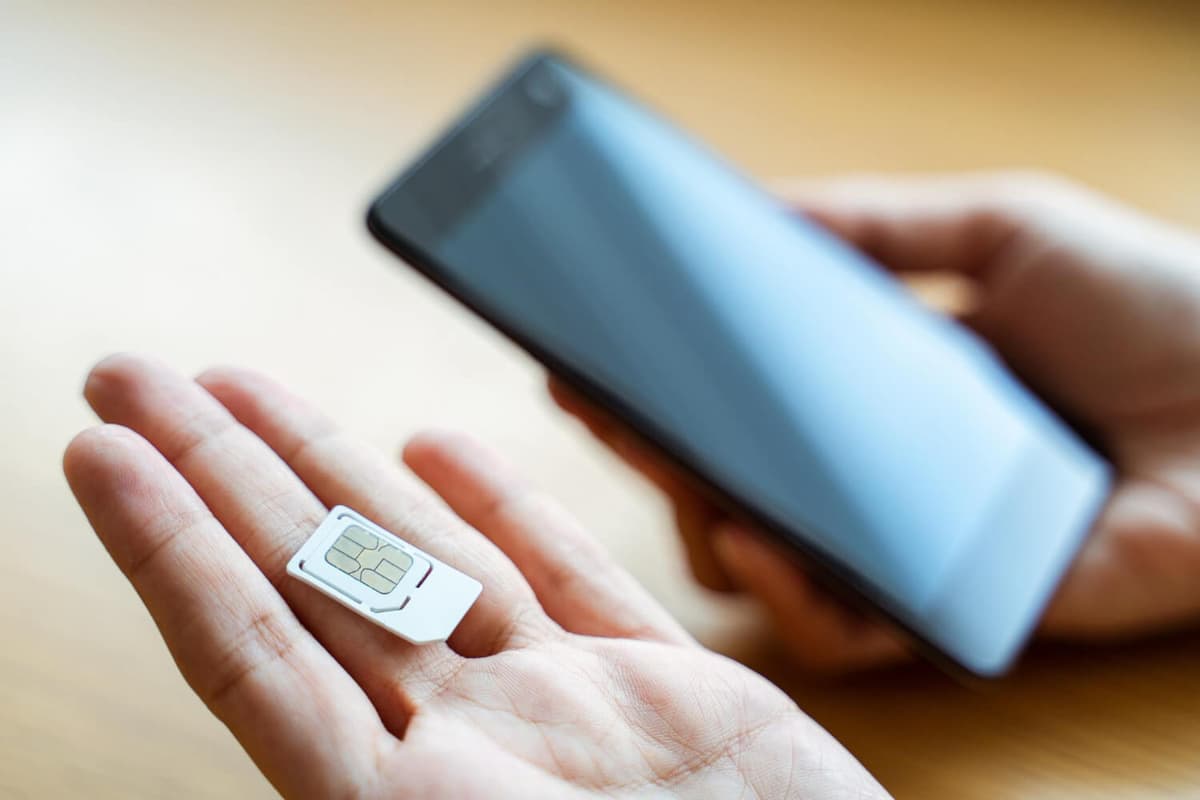
If permanent home internet is not connected yet, you can use a mobile hotspot to begin with. That will let you get online from a laptop, register with the services you need, look for work and somewhere to live, keep in touch with relatives and deal with other matters.
For working all the time, though, that arrangement may prove awkward. If several people or devices are using the internet, a proper home connection will usually be more practical.
Which internet to choose after moving
If you plan to live at one address for a long time and fibre is available to you, it is worth considering first, for its speed and stability. Cable internet can also be a good option for most families.
For temporary accommodation, 5G Home Internet or a package with no long-term contract is worth a look. In remote areas the choice depends on the infrastructure, so sometimes you have to use satellite or whatever else is available. The main thing is to weigh not only the top speed but the real cost, the quality of coverage, the terms of the contract and the reliability of the connection.
Getting home internet in the United States is best begun by checking which providers are available at the particular address. After that, compare packages, technologies, speeds, equipment and payment terms.
For permanent accommodation it is usually worth looking at fibre or cable. If you are renting somewhere temporarily, 5G Home Internet or another option without long-term commitments may suit you better.
Before you sign up, study the promotional price, the price after the promotion ends, the additional fees and the terms for ending the contract. Choosing well will not only give you a stable connection but also save you unnecessary expense in your first months after the move.
End of the article.
All guides →